Picture books for children
Your picture book, from idea to print.
Write what the book is about: the AI proposes the story, the characters and the illustrations, and you choose. The characters stay the same on every page, and at the end you have files ready for Amazon KDP.
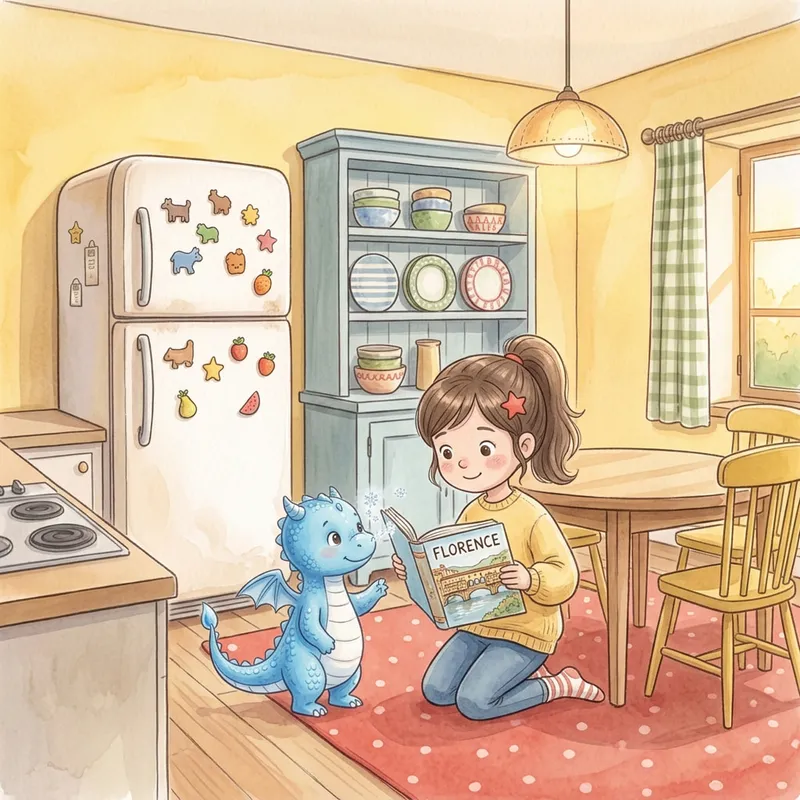
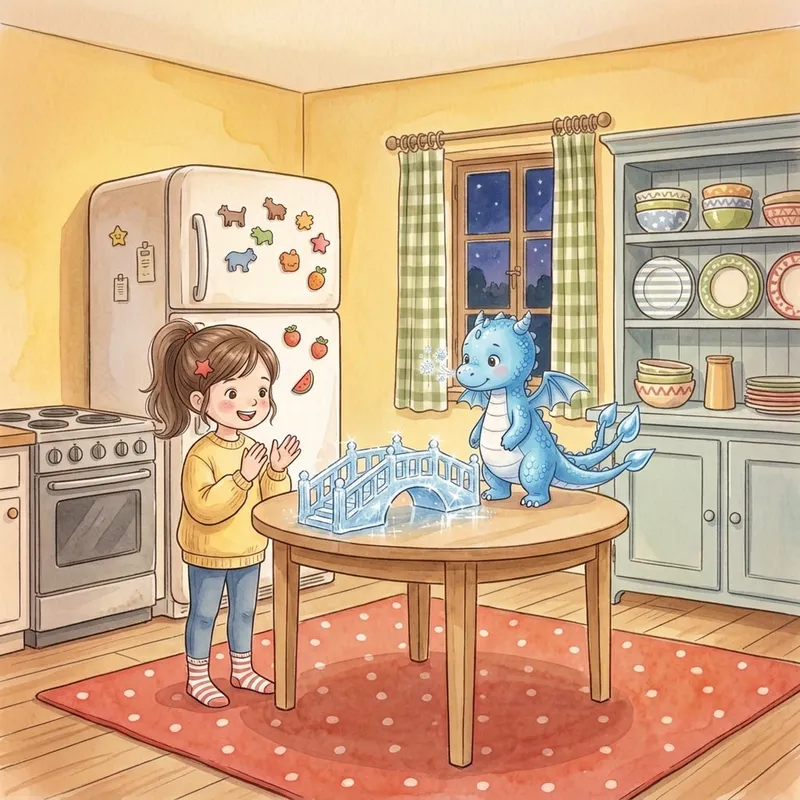
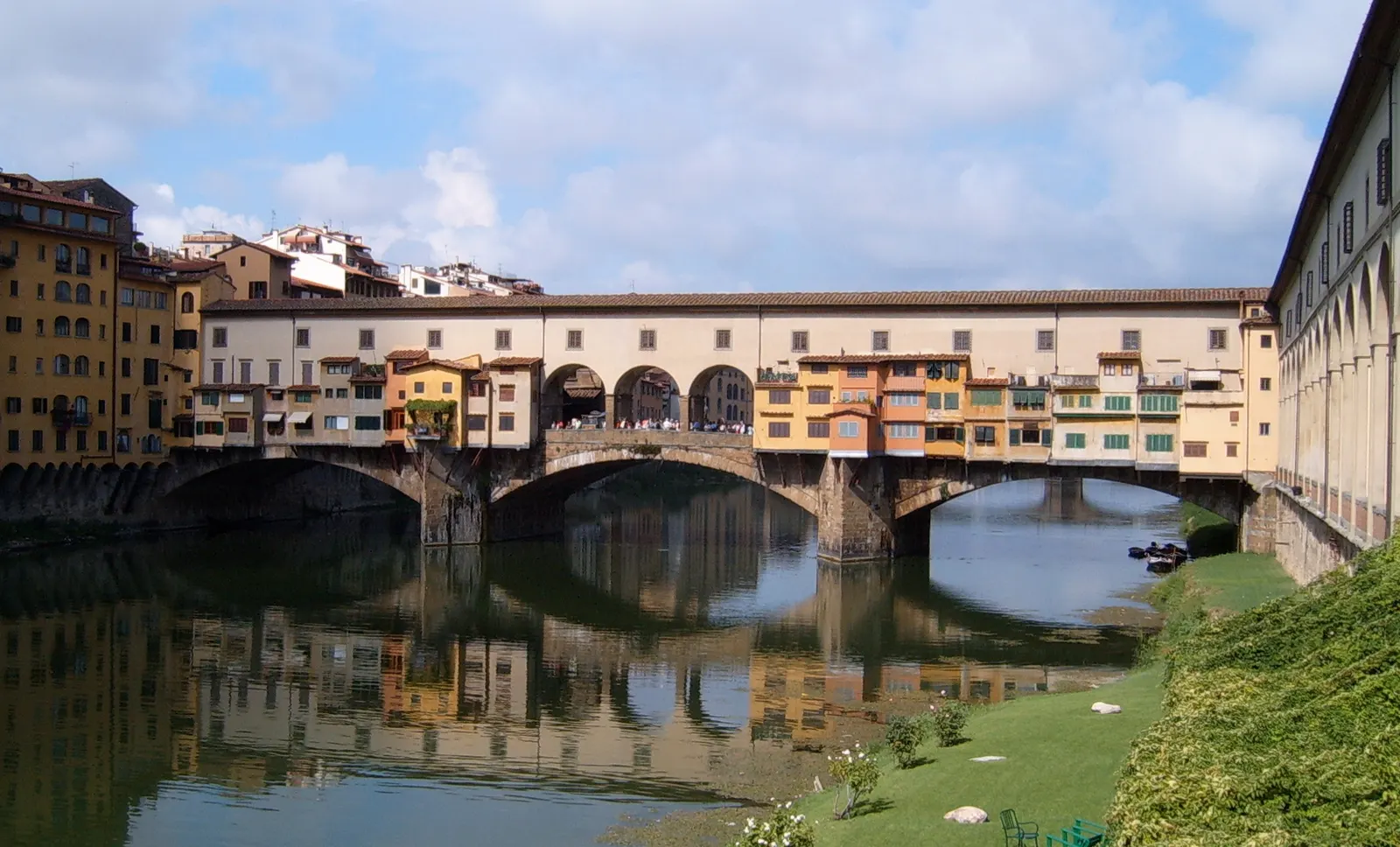
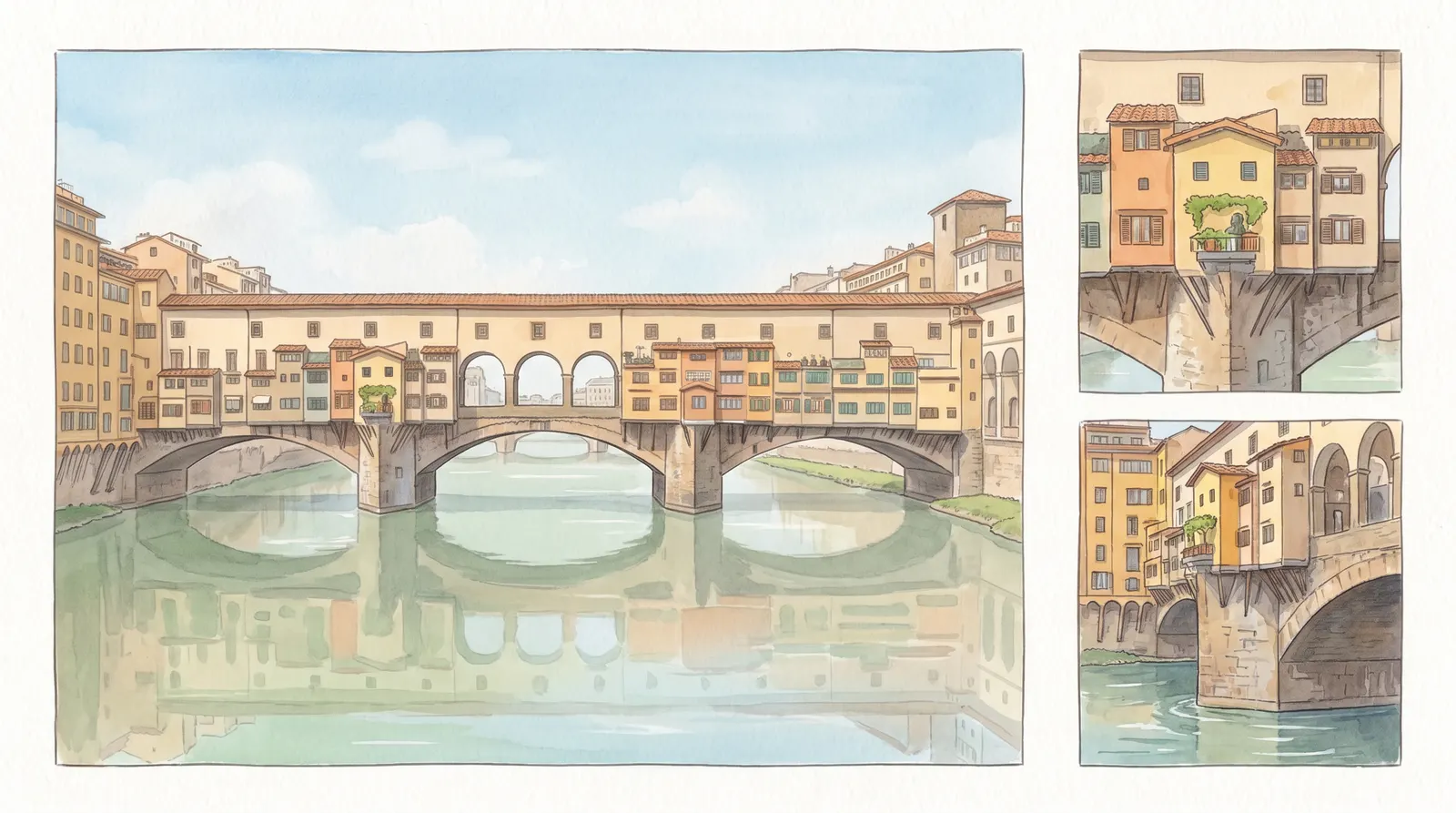
One evening Sofia showed Tino a book with the Ponte Vecchio in Florence. “It's so beautiful,” she said. “I'd love to see it one day.”
How it works
You choose, the AI draws. Three stages.
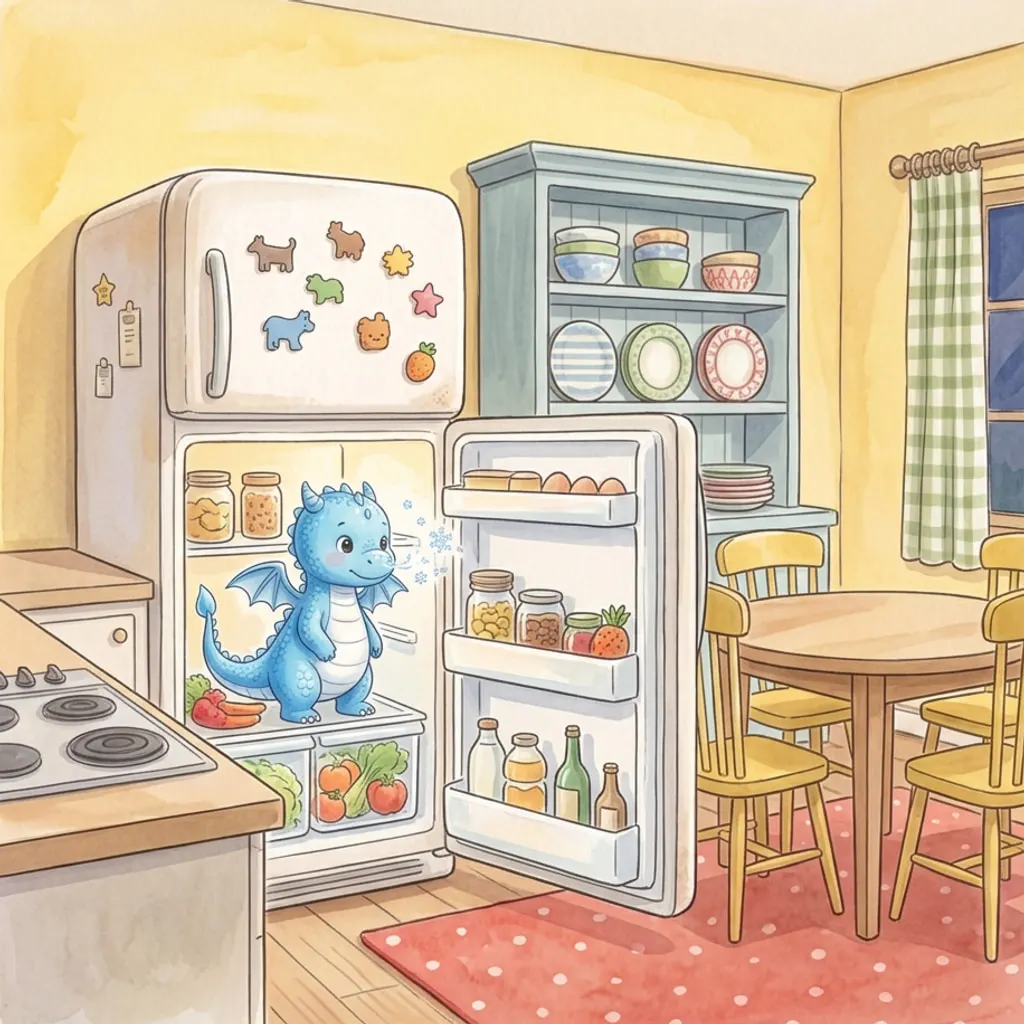
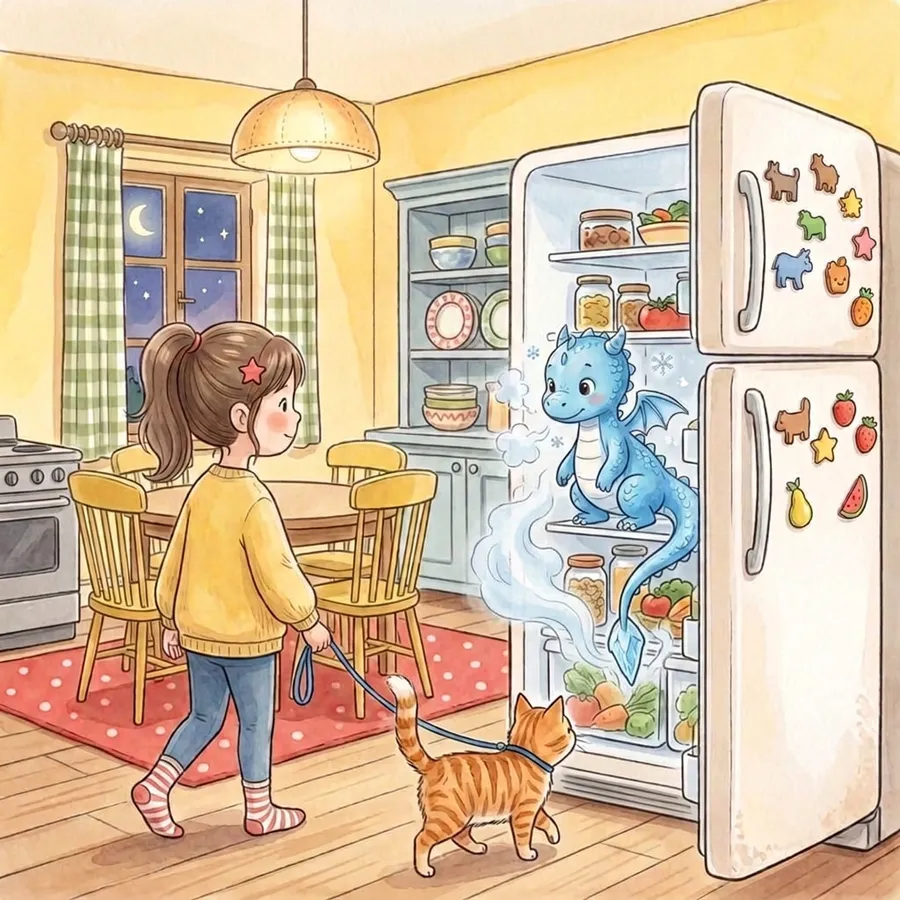
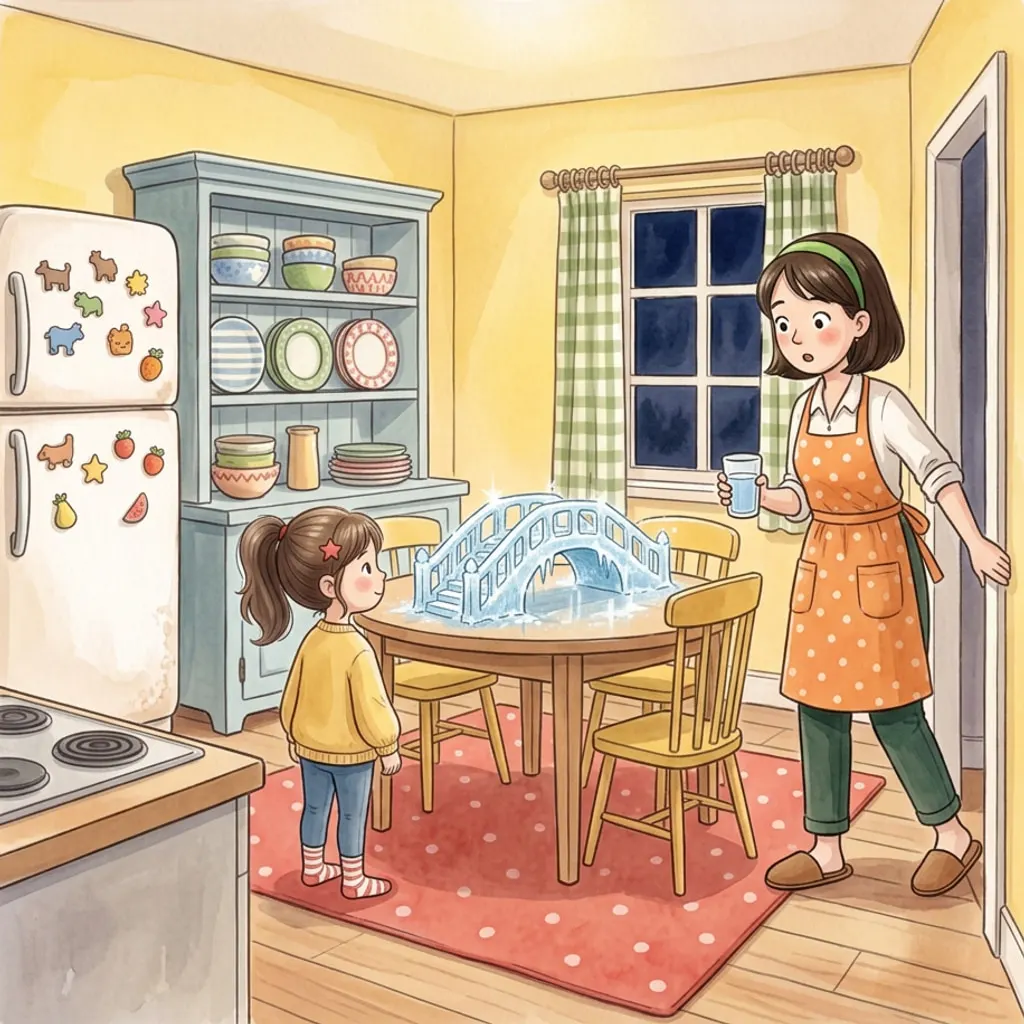
- Your idea“A little girl finds out a tiny ice dragon lives in the fridge.”Three story proposals: you pick one.
1 Write the idea
One line is enough. The AI proposes the story, and you refine it in your own words.
2 Choose the characters
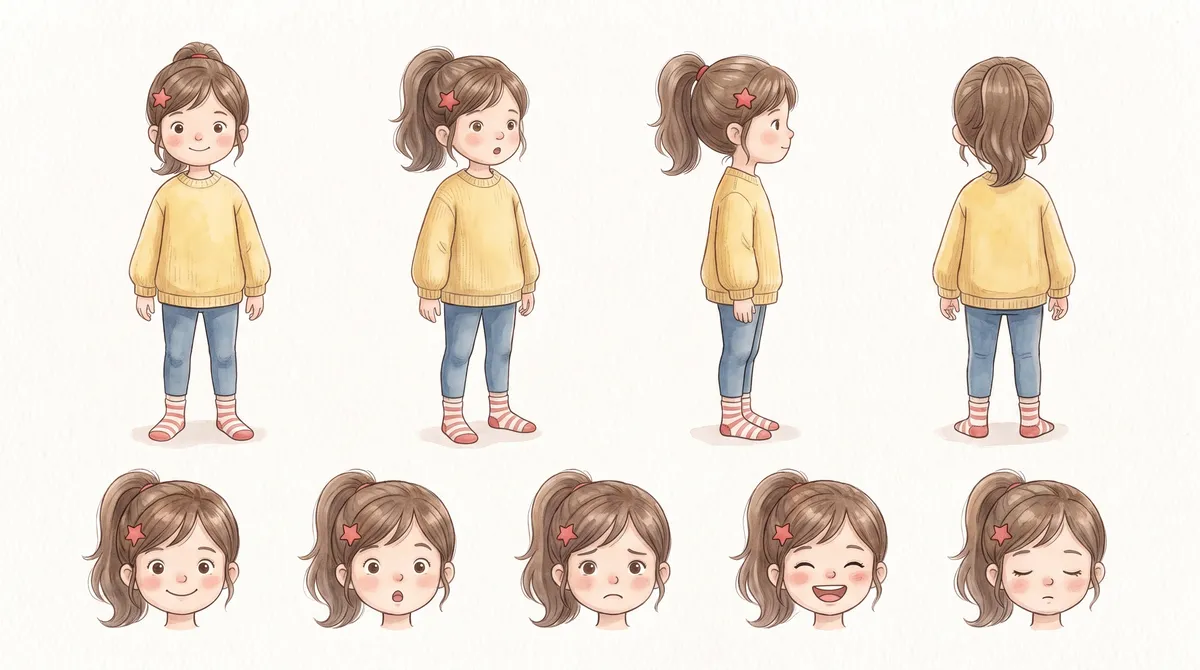
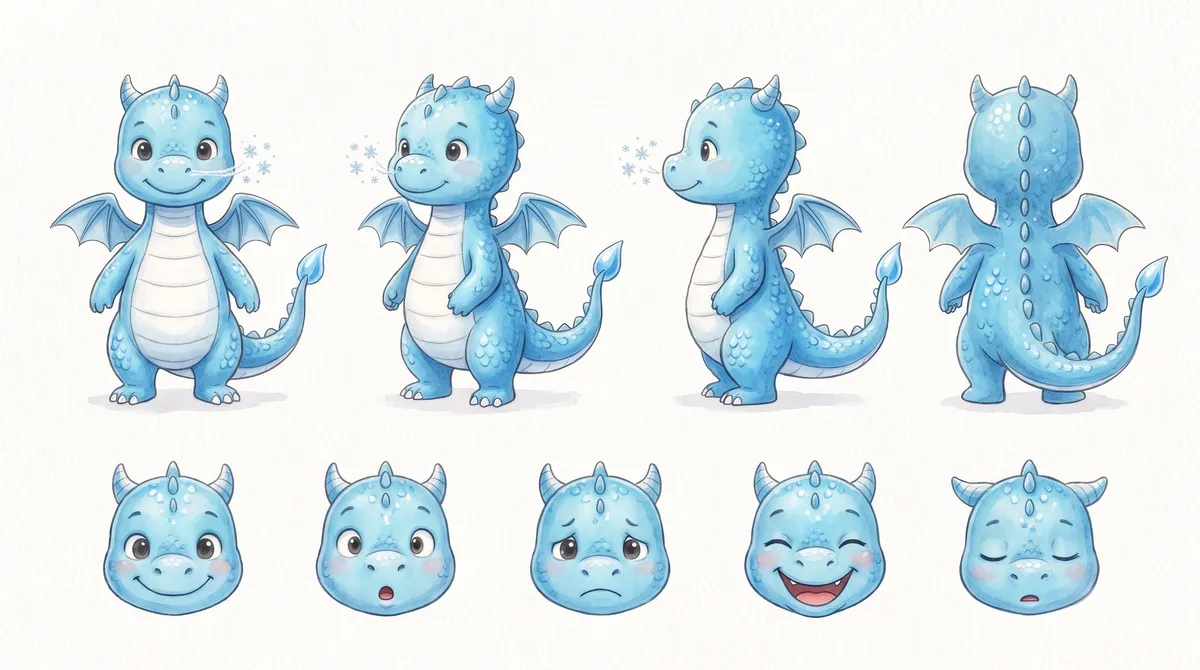
Four variants for each, from one of your photos too. Once locked, a character stays the same in the whole book.
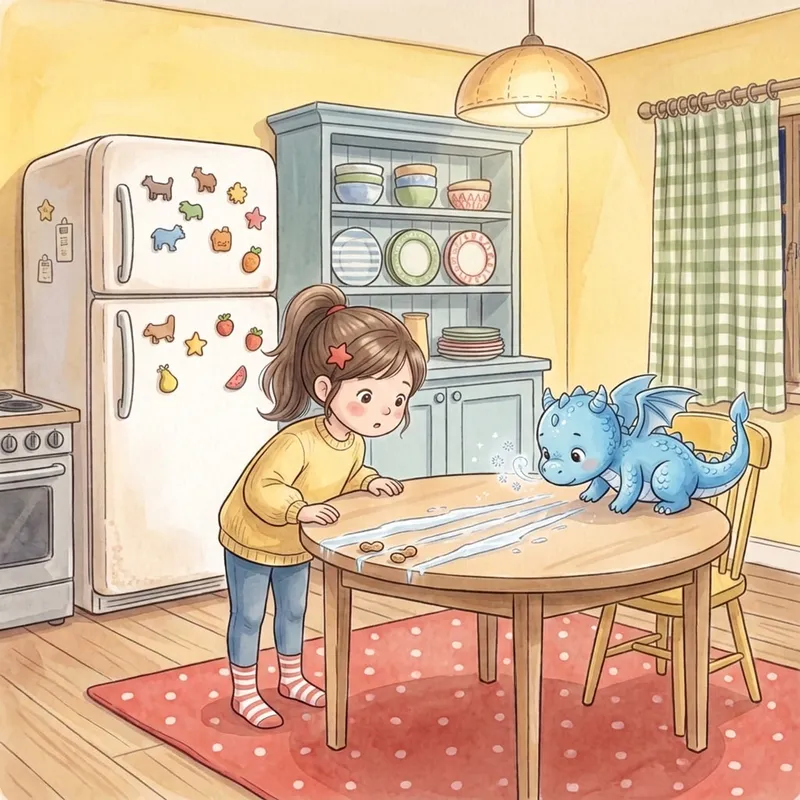
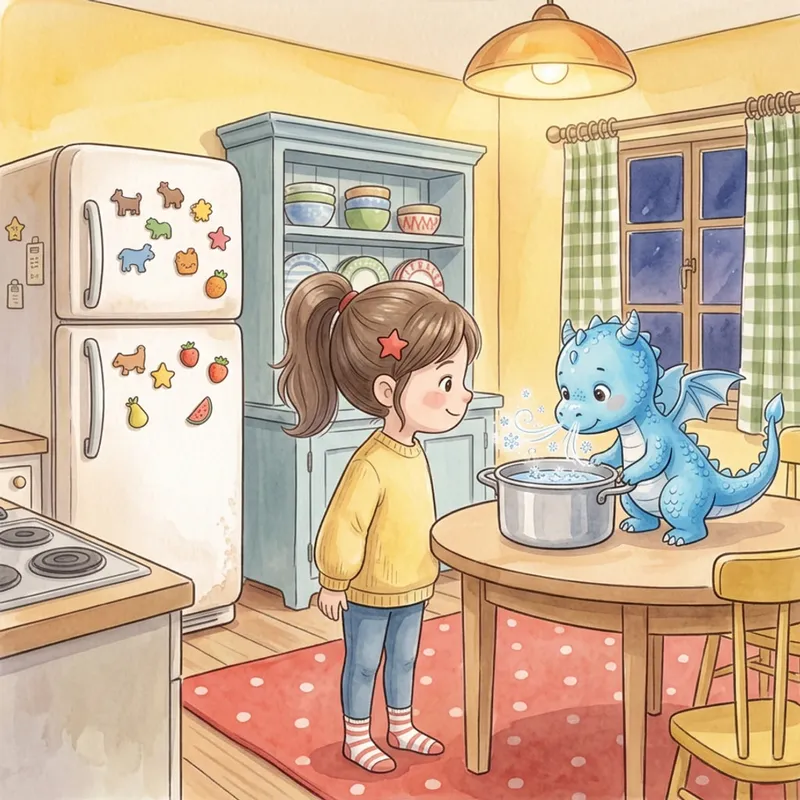
- Tino smiled and blew his icy breath into a pot of water. Tiny ice crystals began to sparkle across the surface.
3 Get the book
Illustrations, text and cover in a simple editor; interior and cover as PDFs, checked for KDP.
Consistent characters
The same characters, on every page.
Before you lock a character, the app draws its sheet: four full figures, five expressions. Every illustration starts from there, and a check looks at who is there, what happens and the proportions.
Five styles, or your own
Choose the hand that draws.
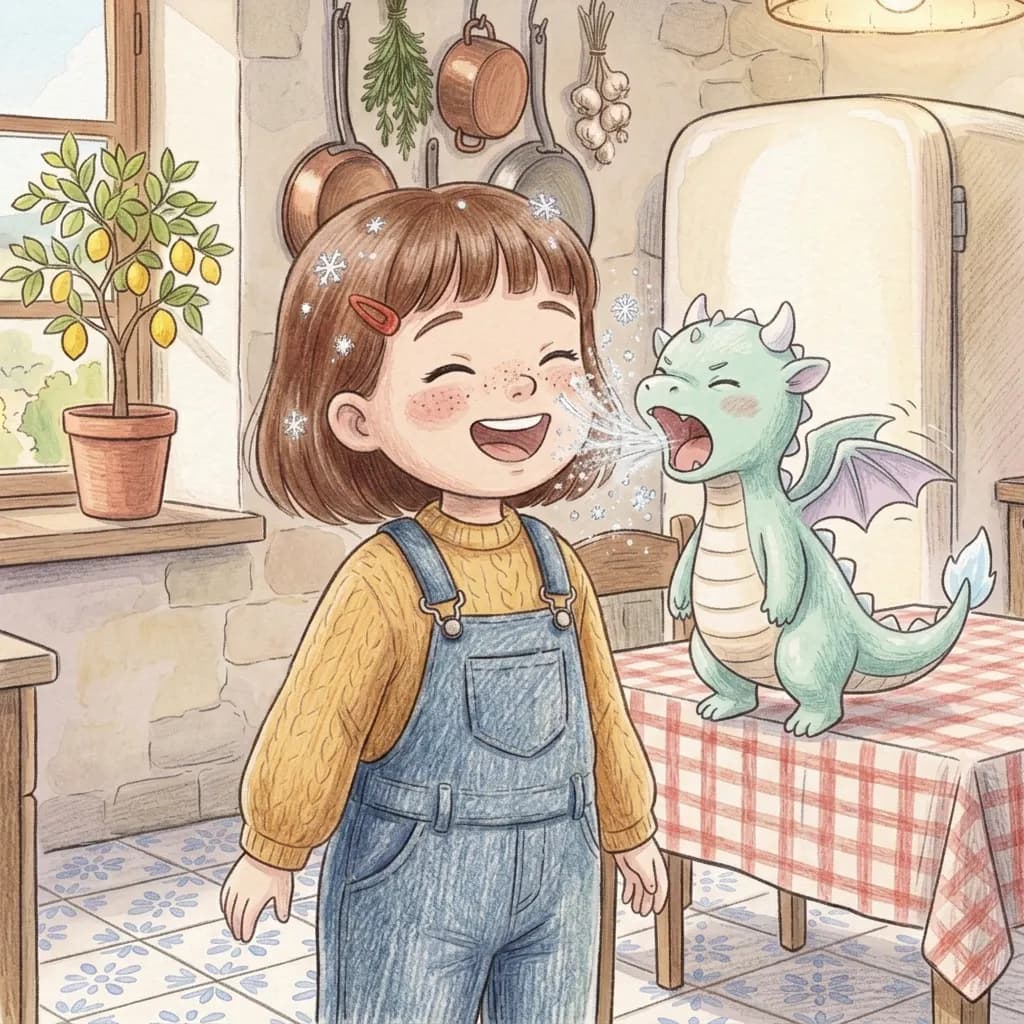
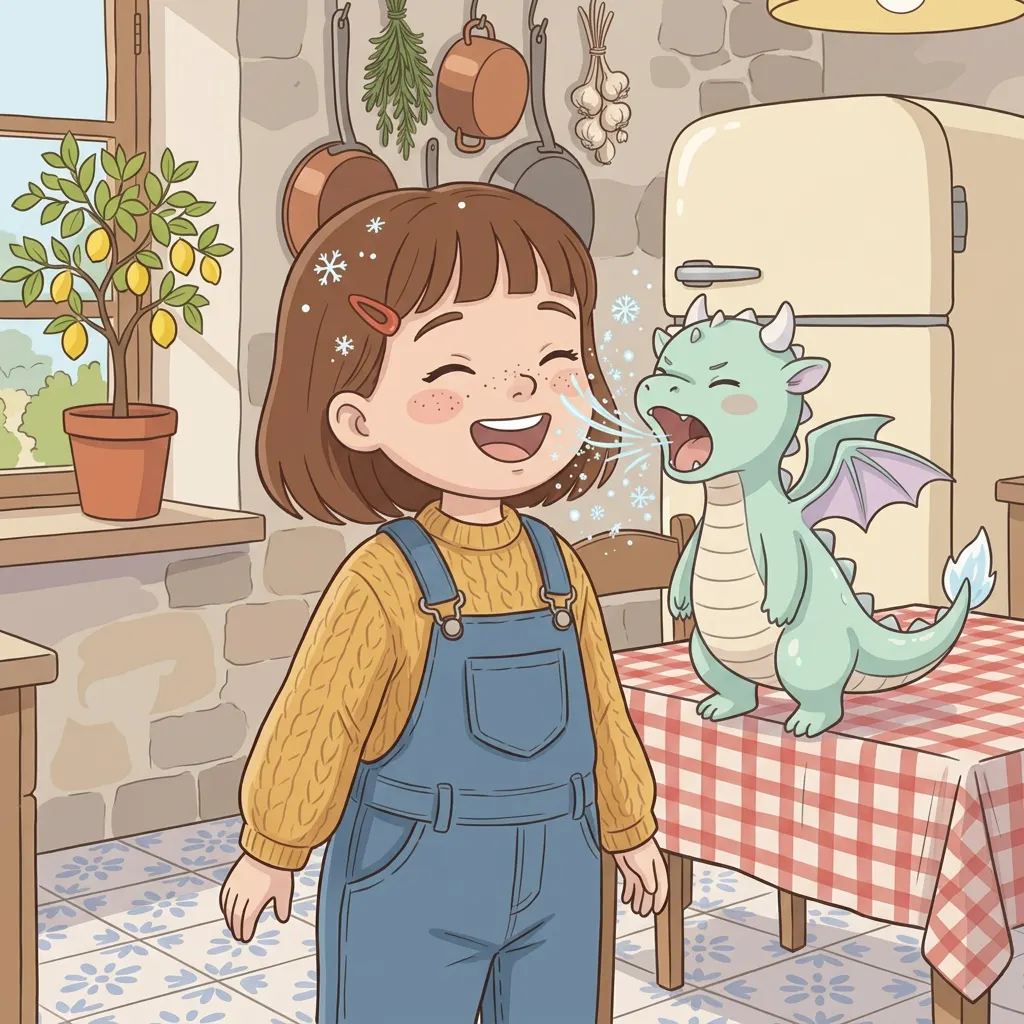
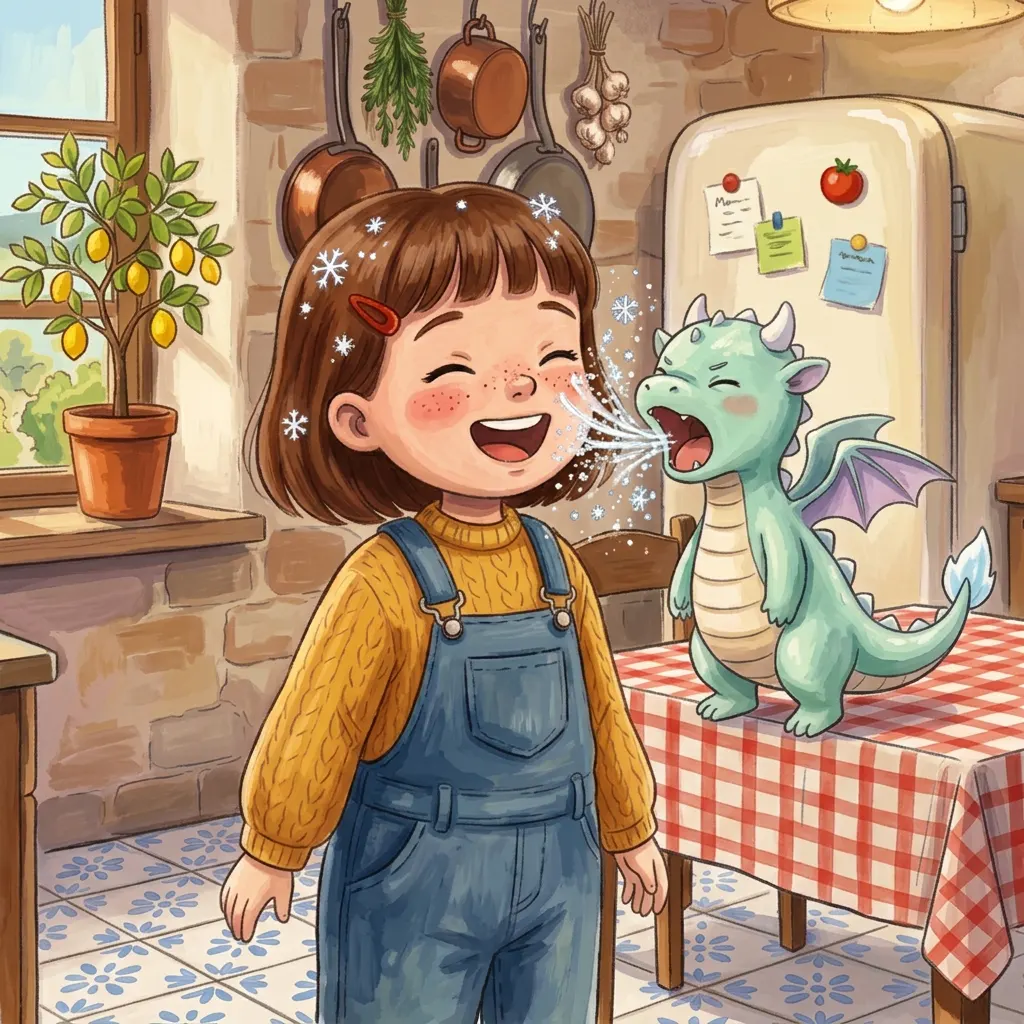
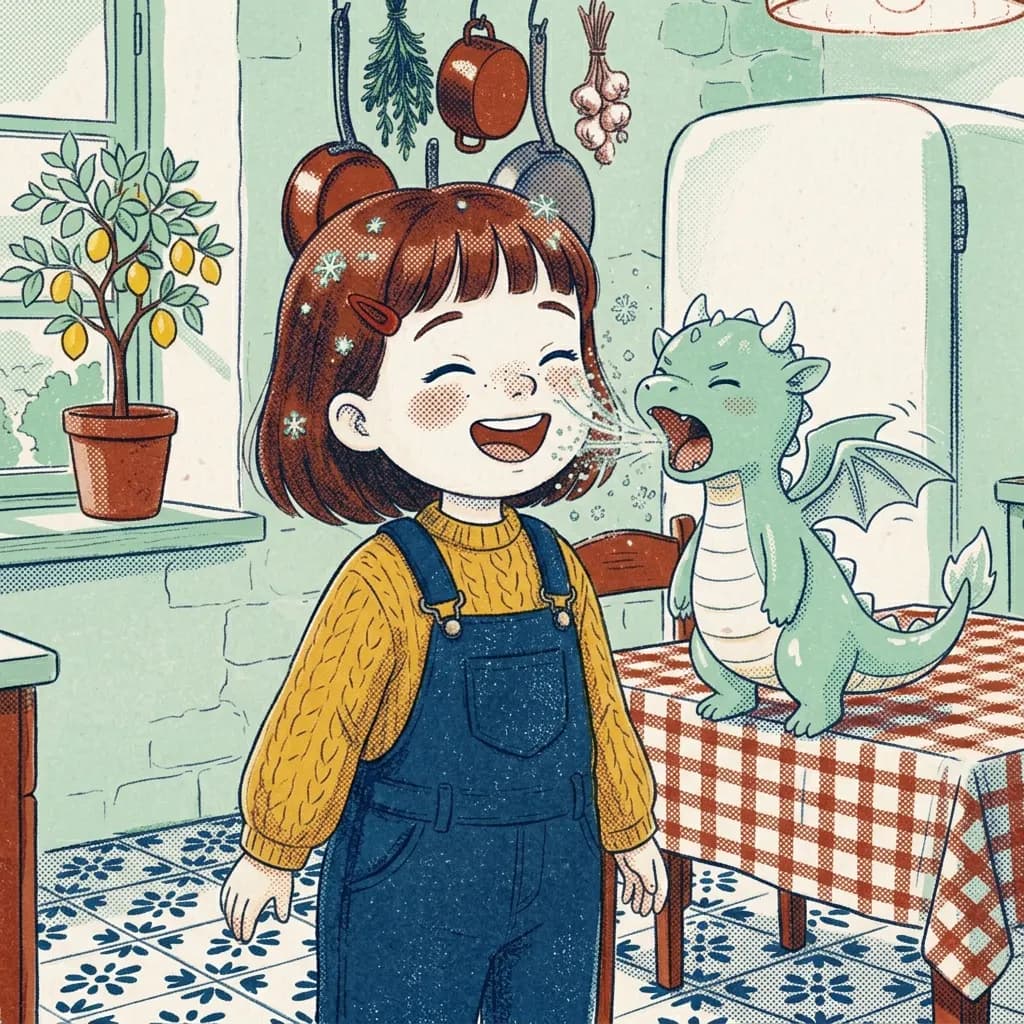
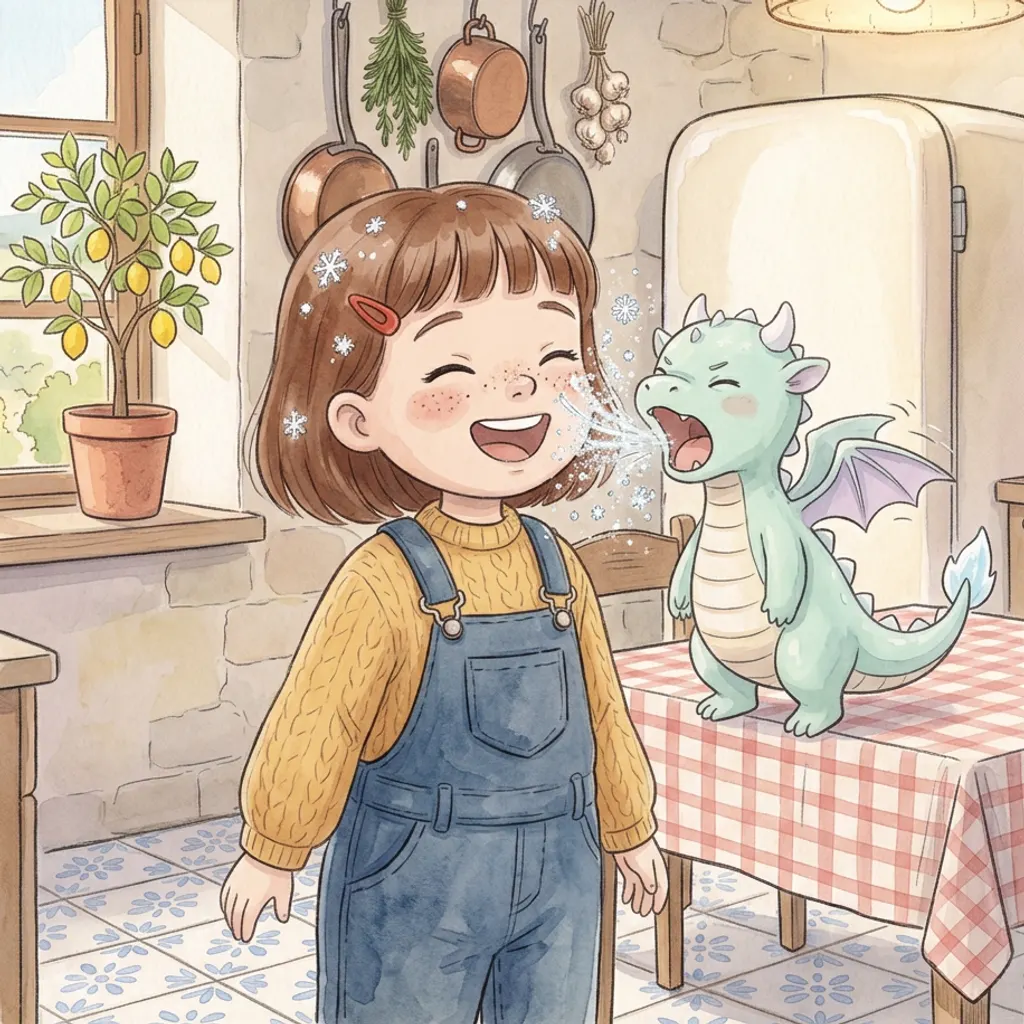
Five curated styles, or one of your drawings as the style of the whole book. Here the same illustration, with the same characters and the same framing, in each: only the technique changes. The style is chosen before the first character and holds for the whole book.
WatercolourColoured pencil
From your photos
A photo becomes a character, or the place of the story.
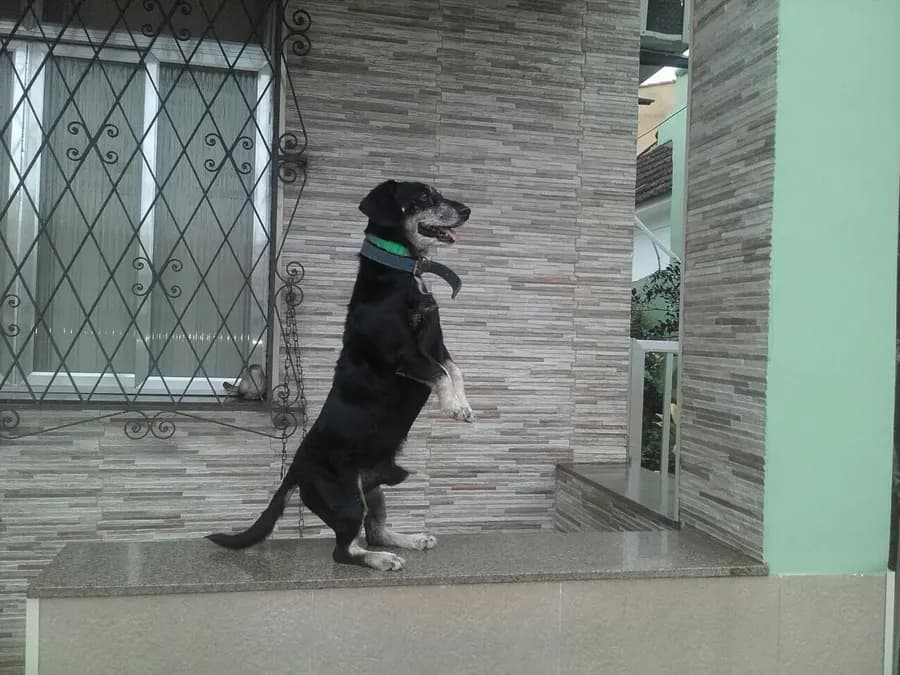
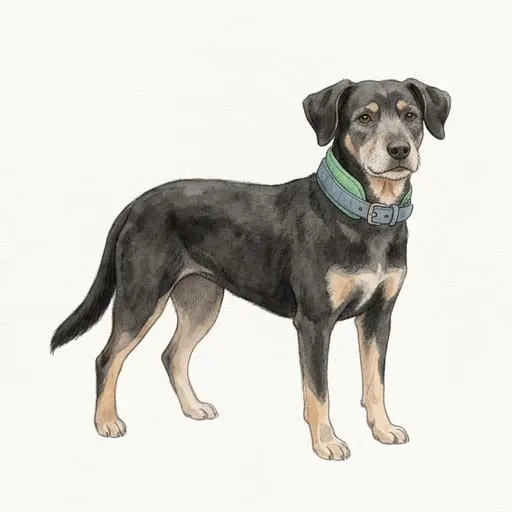
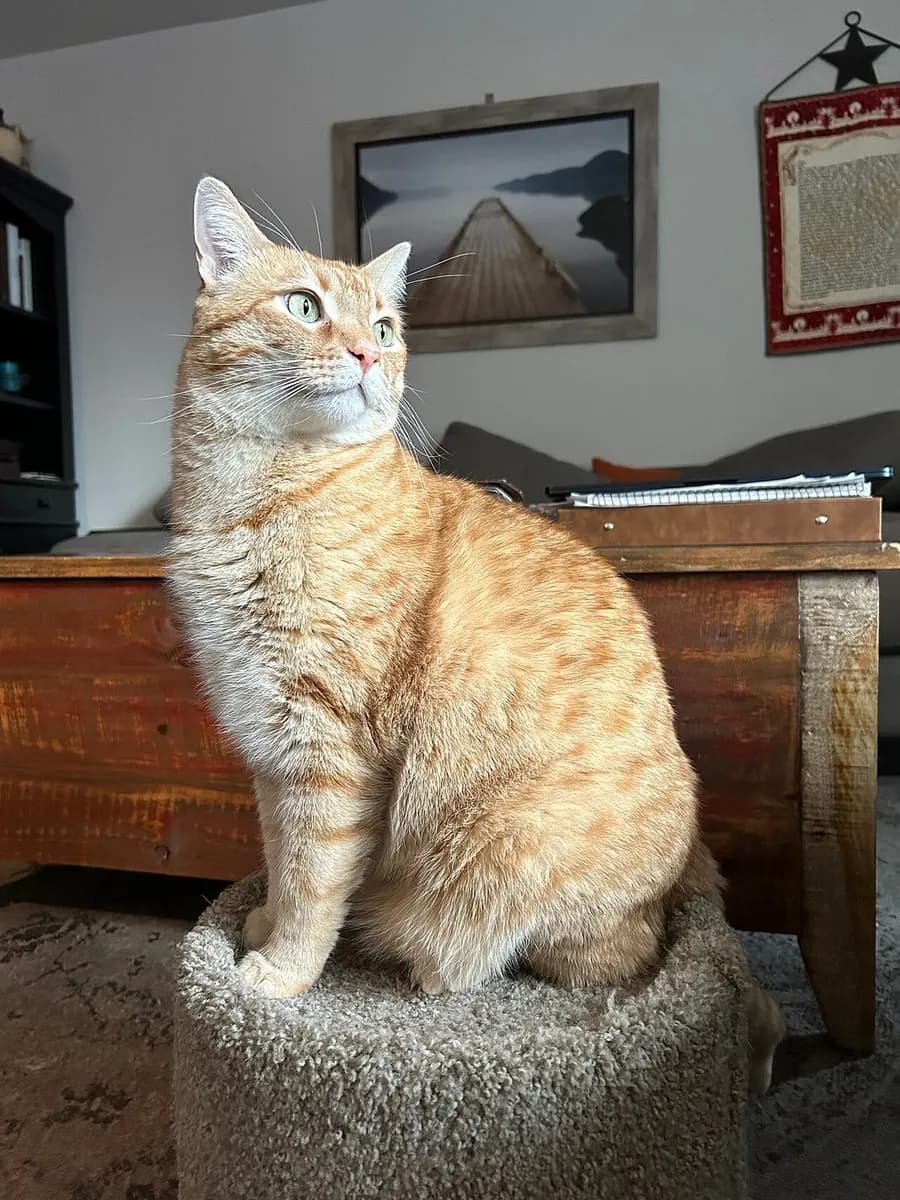
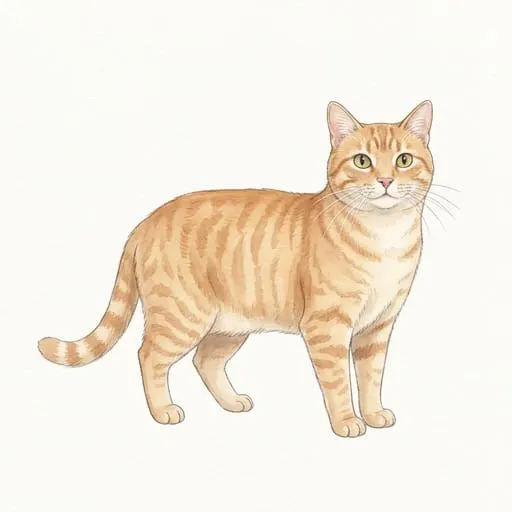
Your dog, the family cat, a place you know: the app redraws them in the book's style. On the left the photo, on the right what it becomes in the book.
Step by step
From idea to PDF, in seven steps.
1 Idea
Write what the book is about: three proposals, pick one and refine it in words.
2 Characters
Four variants for each one, even from your own photo. Choose, refine, lock.
3 World and style
Five curated styles or your own; invented or real places, even from your photos.
4 Story
The backbone in a few beats, then one line per illustration. You edit everything in place.
5 Illustrations
Drawn beat by beat, checked one by one. Approve, ask for a change in words, or retouch just a part.
6 Pages and cover
The text in the book's language, a simple editor, the cover with title and spine.
7 Files for KDP
Interior and cover as PDFs, checked before you download them.
Ready for Amazon KDP.
Before giving you the files, the app checks them: measurements, bleed, margins, resolution and fonts. When you publish, Amazon asks you to declare AI-generated content: it is a question on the KDP form.
- Nine KDP formats, square or portrait: paperback from 24 pages, hardcover from 76
- Bleed and safe margins on every page
- Spine width from the page count
- High-resolution illustrations, checked at their printed size
- Fonts embedded in the PDF
- Measurements verified to a thousandth of an inch
Questions
Do I need to be able to draw or write?
No. The AI proposes every piece and you choose, correct in words or rewrite. If you like, you can start from your own drawing or your own story.
Can I start from my photos?
Yes. Characters and places are born from a photo, redrawn in the book's style; the photo stays in your private space and is only used to draw them. If you like, you can also put one straight onto a page. A photo of a child needs a parent's consent.
How much does it cost to start?
When you sign up you get 20 credits, no credit card. Idea, variants, story and texts are free within an hourly cap; an illustration (a plate, in the app) costs 1 credit (2 for a double page), a character sheet 4, a place 2, each cover proposal 1 (2 for a full wrap cover). A whole book usually needs more.
How long does it take?
An illustration is drawn in one to three minutes, and up to sixteen are drawn at once. The rest depends on how much you want to choose: a picture book can be finished in an afternoon.
Which languages can the book be in?
Italian, English, Spanish, French or German. The app is in Italian and English.